Box Shadow
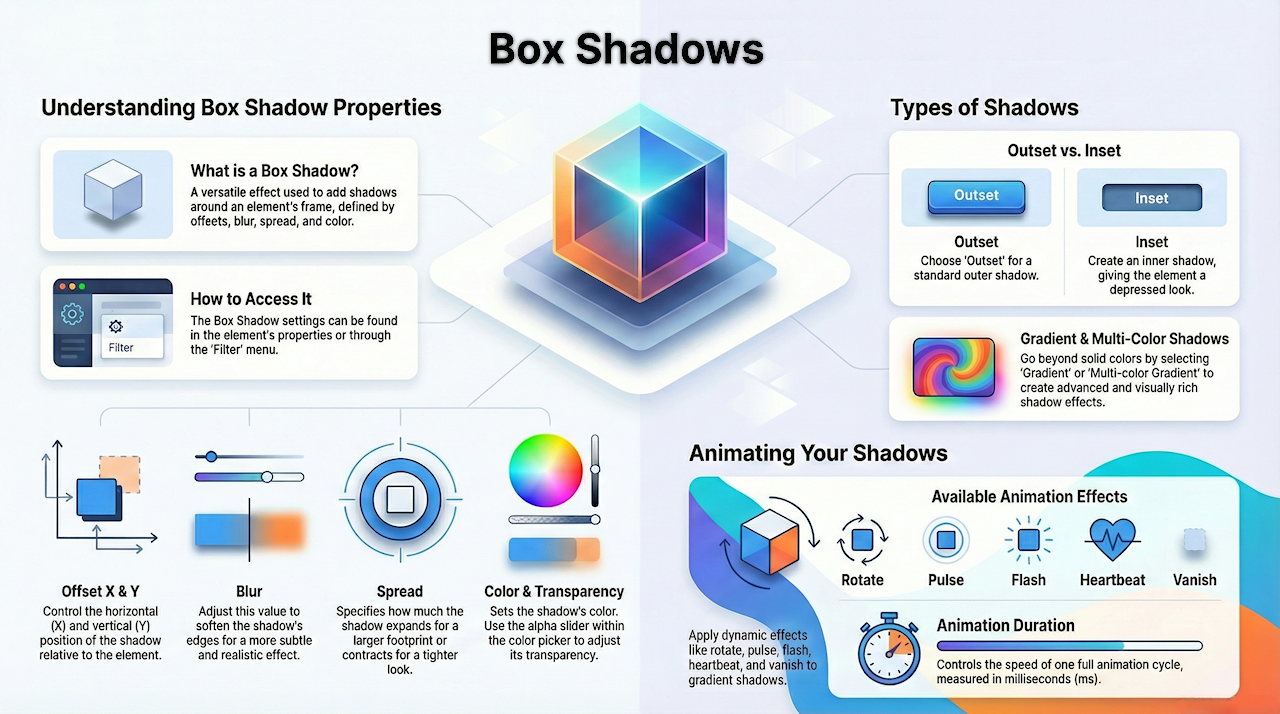
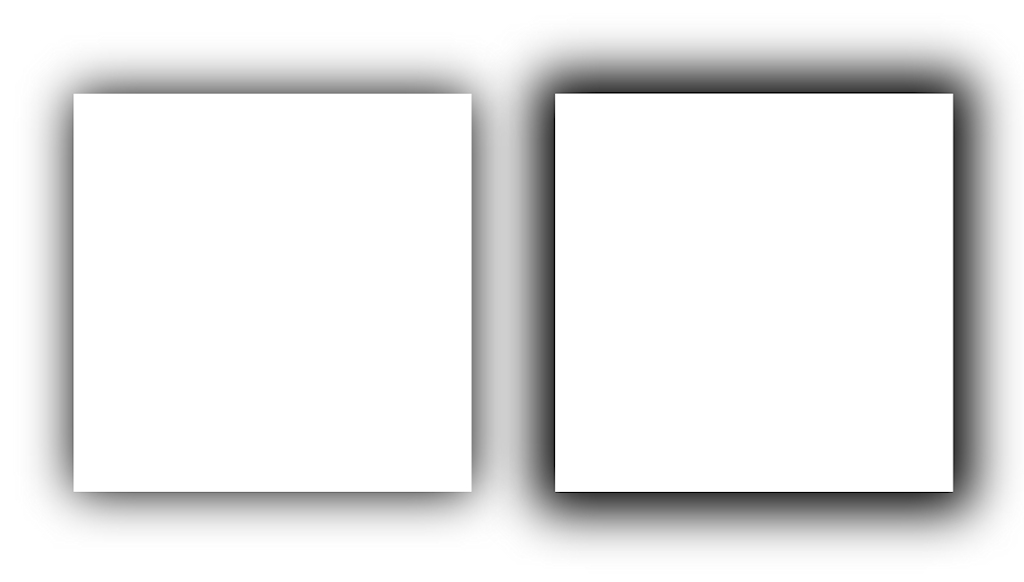
Box shadow can be used to add shadow effects around an element's frame. A box shadow is described by X and Y offsets relative to the element, blur and spread radius, and color.
Animation
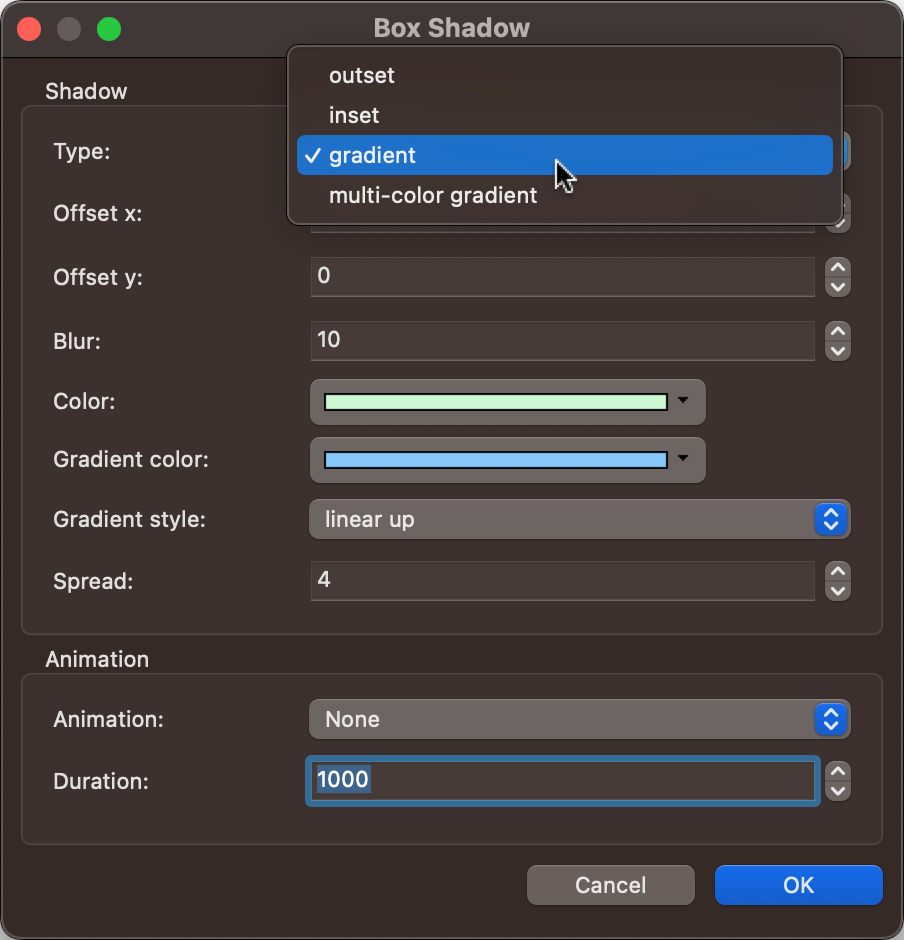
Gradient shadows can also be animated with effects such as rotate, pulse, flash, heartbeat, and vanish.
The Duration setting controls how long one full animation cycle lasts, measured in milliseconds.
The Duration setting controls how long one full animation cycle lasts, measured in milliseconds.
Related Tutorials
Spread
Specifies how much the shadow expands or contracts.
Specifies how much the shadow expands or contracts.
Type
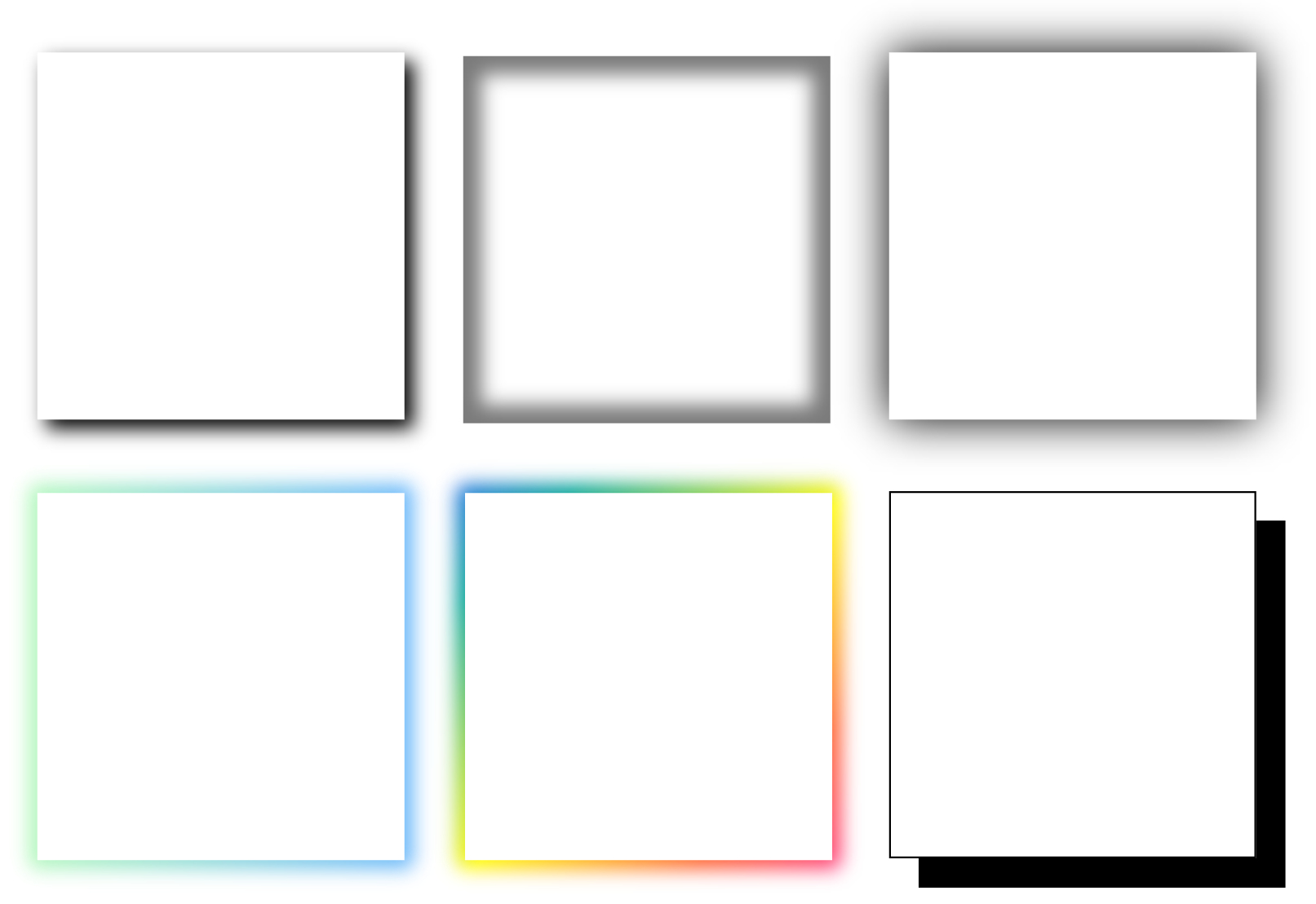
Specifies whether the shadow is an outer shadow (outset) or an inner shadow (inset).
You can also choose Gradient or Multi-color Gradient options to create more advanced and visually rich shadow effects.
Specifies whether the shadow is an outer shadow (outset) or an inner shadow (inset).
You can also choose Gradient or Multi-color Gradient options to create more advanced and visually rich shadow effects.
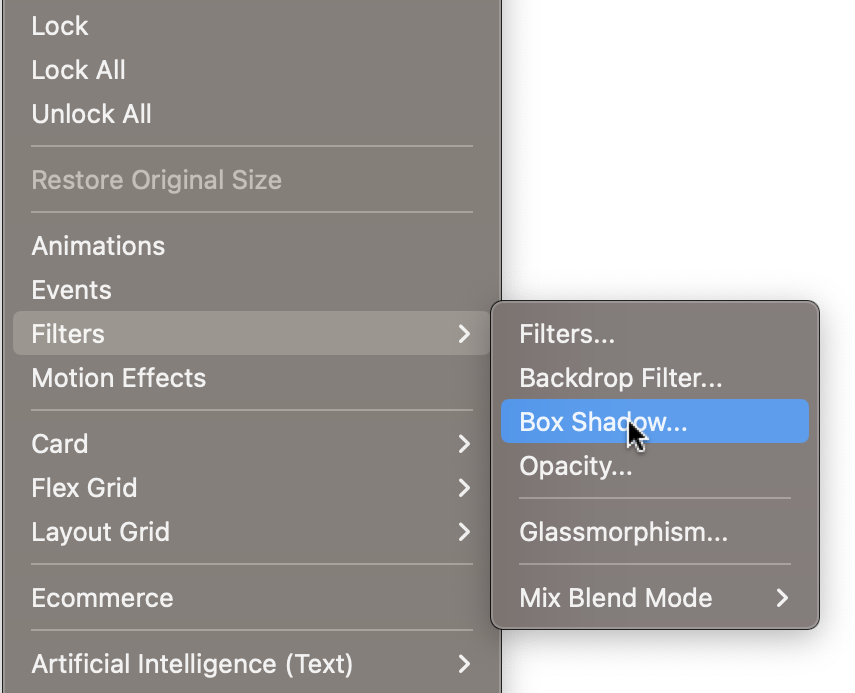
In most objects, the box shadow can be set via the properties or via the 'Filter' menu.
Blur
Softens the shadow's edges.
Softens the shadow's edges.

Offset X
Horizontal shadow offset
Offset Y
Vertical shadow offset
Horizontal shadow offset
Offset Y
Vertical shadow offset
Color
Specifies the shadow color.
Use the alpha slider to adjust the transparency of the color.
Specifies the shadow color.
Use the alpha slider to adjust the transparency of the color.